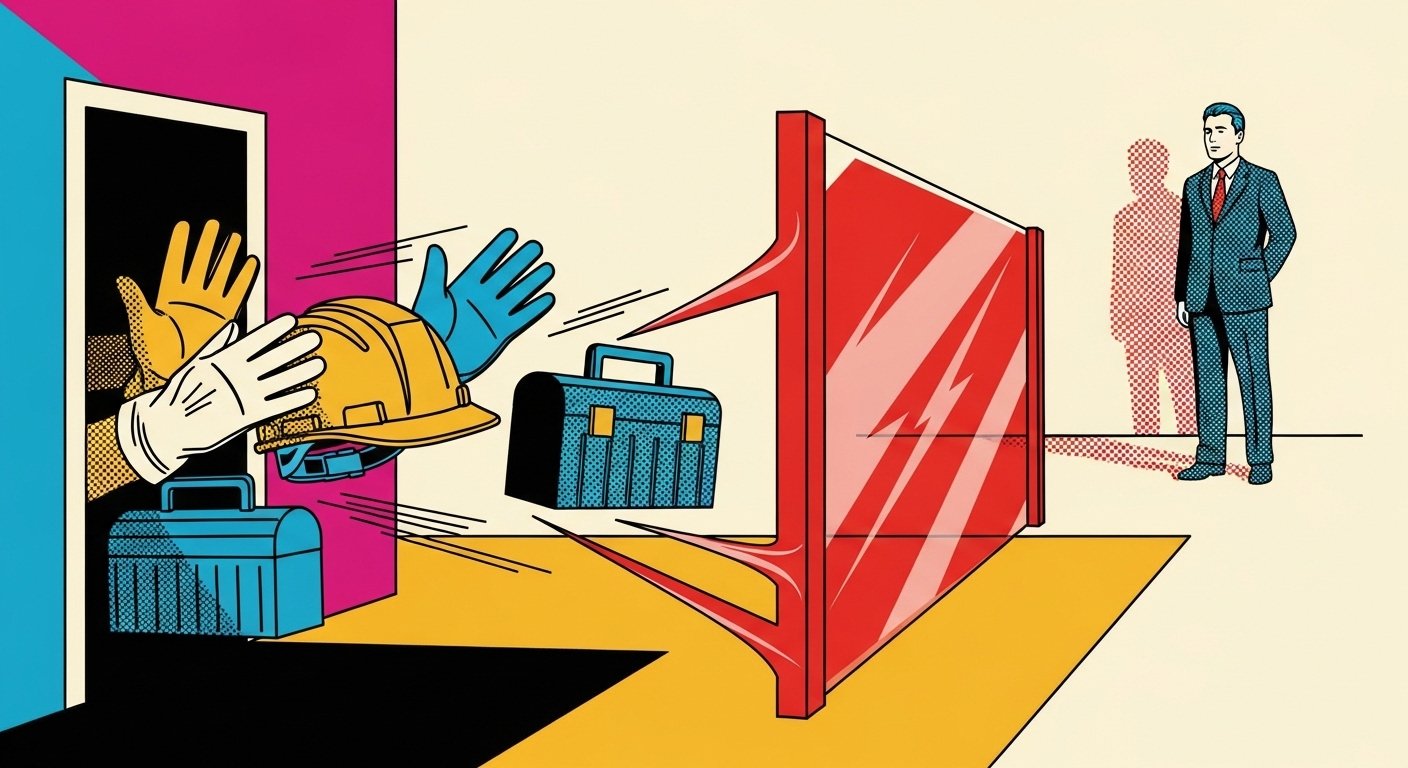
Forcing floor staff to use a fragmented tablet interface that logs out every three minutes doesn't just slow people down — it actively undermines your entire digital transformation investment. Every forced logout is a small, compounding tax on productivity, morale, and customer experience. And the worst part? Someone, somewhere, signed off on it.
This article is for anyone who has watched a colleague wrestle with a tablet mid-conversation with a customer, or who has sat in a steering committee nodding along to a "digital workforce enablement" slide while knowing, in their bones, that the frontline reality looks nothing like the PowerPoint.
Why Does This Keep Happening?
Because the people who choose the technology are rarely the people who use it. That's the short answer. The longer answer involves procurement cycles, IT security policies written for office workers, and a cultural tendency to treat frontline staff as the last consideration in a technology rollout rather than the first.
I've spent over two decades working in digital transformation — across the public sector, retail, financial services, and charities — and the pattern is almost universal. The further you get from the shop floor, the warehouse, or the ward, the more confident the decisions become. And the more confident the decisions become, the worse the outcomes tend to be.
A 2023 Gartner report on digital employee experience found that 56% of frontline workers said technology made their jobs harder, not easier. That is a remarkable finding. More than half of the people technology was supposed to help, report that it's working against them. And yet the dashboards in the boardroom show "digital adoption rates" trending upward. Everyone's logging in. Nobody's mentioning that they log out every three minutes involuntarily.
What Actually Happens When a Tablet Logs Out Every Three Minutes?
Let's be precise about the damage, because it's easy to wave this away as a minor inconvenience. It isn't.
The productivity maths nobody is doing
If a member of staff uses a tablet 40 times during an eight-hour shift and loses 45 seconds to re-authentication each time, that's 30 minutes of productive time gone. Per person. Per day. Across a team of 20, that's 10 hours of lost capacity — every single day — on nothing more useful than typing a password into a screen.
McKinsey's research on frontline worker productivity estimated that employees spend an average of 1.8 hours per day searching for information or navigating broken workflows. Forced logouts are a significant, measurable contributor to that figure. They're not an edge case. They're the daily texture of the job.
The cognitive cost nobody is measuring
Beyond the clock, there's the mental overhead. Context switching — the cognitive cost of being interrupted and having to re-establish your place in a task — has been shown to reduce effective productivity by up to 40%, according to research published by the American Psychological Association.
Every forced logout is a forced context switch. The staff member was mid-thought, mid-conversation, or mid-process. Now they're staring at a login screen. The task they were doing doesn't pause politely and wait. The customer does, though. Visibly. Increasingly impatiently.
The morale cost nobody is admitting
This is where it gets uncomfortable. When you give someone a tool that fights them every time they try to do their job, you're sending a message. Not deliberately, perhaps. But clearly. The message is: we didn't think carefully enough about your experience to get this right.
According to Gallup's State of the Global Workplace 2023, only 23% of employees worldwide are engaged at work. Poor tooling is consistently cited as a driver of disengagement, particularly among frontline workers who have less autonomy over their working environment than their office-based colleagues.
You can't run an engagement programme on one side and hand someone a malfunctioning tablet on the other and expect the maths to work out.
What Does "Fragmented Interface" Actually Mean — and Why Does It Matter?
A fragmented interface is what happens when multiple systems — stock management, customer records, scheduling, communications — are bolted together without ever being properly integrated. The result is a user experience that requires staff to jump between apps, re-enter the same data in multiple places, and remember which system holds which version of the truth.
It's the digital equivalent of being handed five different remote controls for one television and told to get on with it.
The technical roots of the problem
Fragmentation usually comes from one of three places:
- Legacy system debt: Older back-end systems that were never designed to talk to each other, now connected via APIs (Application Programming Interfaces — essentially digital translators between systems) that work, but only just.
- Departmental silos: Different teams procured different tools at different times for different reasons, and nobody was responsible for the joined-up experience.
- Security overreach: IT policies designed to protect the organisation's data that weren't calibrated to the realities of frontline work — hence the aggressive session timeouts.
Why session timeouts are the canary in the coal mine
A three-minute logout timer is almost certainly an IT security policy applied without contextual thought. The policy itself may be perfectly sensible for an office laptop left unattended. Applied to a tablet being actively used by a member of staff on a shop floor, it's a different matter entirely.
This is not a criticism of IT security teams. They are, typically, doing exactly what they were asked to do: apply policy consistently. The failure is organisational — nobody asked whether the policy was appropriate for the context. Nobody from the frontline was in the room when that decision was made.
How Do You Fix a Fragmented Tablet Experience Without Starting From Scratch?
The good news is that you rarely need to throw everything out and rebuild. The bad news is that the fixes require honesty about what went wrong and genuine commitment to frontline-first design — which means involving the people who actually use the thing.
Step 1: Do a frontline technology audit — properly
Not a survey sent by email to line managers. Spend time on the floor. Shadow staff during a real shift. Count the logouts. Watch where the friction is. The gap between what leaders think the experience is and what the experience actually is tends to be startling.
I've run these exercises for organisations who were genuinely surprised — not performatively surprised, but actually surprised — to discover that their "digitally enabled" workforce was, in practice, using WhatsApp to share stock information because the official system was too slow to be useful. That's not a technology failure. That's a listening failure.
Step 2: Challenge the security assumptions
Bring IT security, operations, and frontline staff representatives into the same room. Present the data on productivity loss. Ask whether a three-minute timeout is achieving its intended security outcome, or whether it's creating workarounds — like staff leaving devices logged in under a shared account — that are actually less secure than a well-designed authentication flow.
Risk-appropriate security is the goal, not maximum friction dressed up as protection.
Step 3: Define a single source of truth for the interface
If staff need five systems to do one job, the answer isn't to train them to use five systems faster. It's to ask which one of those systems should be the primary interface, and to build or configure the others to feed into it. This is the principle behind unified frontline worker platforms — tools like Microsoft Teams for Frontline Workers, Zebra Reflexis, or WorkJam — which consolidate task management, communications, and operational data into a single pane of glass.
These aren't perfect solutions. But they're considerably better than five separate apps and a prayer.
Step 4: Pilot with the actual users, not a proxy
Before you roll out a fix, pilot it with the people who will use it. Not a focus group of managers. Not a vendor demo environment. Real staff, real conditions, real feedback. Build a feedback loop that continues after go-live, because the issues that surface in month three of a deployment are rarely the same as the ones you anticipated in the design phase.
Comparison: Common Approaches to Fixing Frontline Tech Fragmentation
| Approach | What It Involves | Typical Cost | Pros | Cons |
|---|---|---|---|---|
| Unified Frontline Platform | Deploying a single platform (e.g. WorkJam, Reflexis, Teams Frontline) that consolidates key workflows | Medium–High | Dramatically reduces context switching; single login; mobile-first design | Integration complexity; change management required; not all back-end systems play nicely |
| API Integration Layer | Building middleware that connects existing systems so data flows between them without staff re-entering it | Medium | Preserves existing system investments; improves data accuracy; reduces duplication | Technical debt if underlying systems are old; ongoing maintenance cost; doesn't fix UX on its own |
| Session Timeout Policy Review | Working with IT security to implement context-appropriate timeout rules (e.g. biometric re-auth, proximity unlock) | Low–Medium | Quick win; directly addresses the logout friction; low disruption | Requires security buy-in; doesn't fix underlying fragmentation; may need device-level configuration changes |
| Process Redesign + Training | Redesigning workflows so staff use fewer systems, combined with targeted training | Low | Cheap; builds staff confidence; doesn't require new technology | Treats the symptom, not the cause; staff still using broken tools, just more efficiently |
| Full System Replacement | Replacing legacy systems with a modern, integrated platform built for frontline use | High | Clean slate; modern UX; long-term scalability | Expensive; long delivery timelines; high risk if not properly managed; significant change management burden |
Who Is Actually Responsible for This? (The Uncomfortable Bit)
This is the question that tends to go unanswered in post-implementation reviews, because the honest answer implicates people who are still in the room.
The CIO or CTO owns the technology architecture. The COO or Operations Director owns the frontline experience. The CHRO owns staff wellbeing and engagement. And the CEO owns the culture that either demands frontline input before decisions are made, or doesn't.
When a tablet logs out every three minutes and nobody has fixed it in six months, that's not a technology failure. That's a governance failure. Somewhere in that organisation, the person with the authority to fix it either doesn't know it's happening, doesn't consider it a priority, or is waiting for someone else to raise it formally enough to get it onto an agenda.
I've seen all three. The third one is the most common and the most dispiriting.
The "digital transformation" paradox
Here's the thing that I find genuinely interesting, having watched transformation programmes from the inside for two decades. Organisations will invest millions in transformation and then tolerate, for months or years, a frontline experience that actively undermines the investment. The gap between the strategy and the reality is filled with good intentions, competing priorities, and the quiet assumption that someone else is handling it.
Nobody is handling it. That's almost always the answer.
What Good Frontline Technology Design Actually Looks Like
For completeness — because it's easy to critique and harder to build — here's what the evidence suggests actually works.
- Co-design with frontline staff from the start, not as a consultation exercise at the end. This isn't a soft, HR-flavoured nicety. It produces better requirements, fewer surprises at go-live, and measurably higher adoption rates.
- Single sign-on (SSO) across all systems, so staff authenticate once per shift, not once per interaction. This is a solved technical problem. There is no good reason not to implement it.
- Offline functionality for core workflows, so that patchy Wi-Fi coverage doesn't bring operations to a halt.
- Role-based interfaces that show staff only what they need for their job, rather than a full system dashboard designed for a back-office user.
- Feedback mechanisms built into the tool, so that when something breaks or frustrates, staff can report it in the moment rather than either suffering in silence or raising it in a team meeting three weeks later.
- Regular, structured reviews of the frontline technology experience — not just at go-live, but quarterly, with frontline representation at the table.
Frequently Asked Questions
Why do tablets used by floor staff log out so frequently?
Almost always because an IT security policy designed for a different context — typically an office laptop left unattended — has been applied uniformly across all devices without adjustment for frontline use. The policy itself is usually sensible in origin. The application is the problem.
How much productivity is actually lost to forced session timeouts?
It depends on frequency and workflow, but the numbers add up faster than most leaders realise. If a member of staff is interrupted 40 times a shift and loses 45 seconds per timeout, that's 30 minutes of lost productive time per person per day. Across a team of 20, that's 10 hours daily — before you account for the cognitive cost of context switching, which research suggests can reduce effective productivity by up to 40%.
What is a fragmented tablet interface and why is it a problem?
A fragmented interface is one that requires staff to use multiple disconnected apps or systems to complete a single task — jumping between stock management, customer records, and scheduling tools that don't share data. It increases the cognitive load on staff, creates opportunities for data errors, and makes the working day significantly more frustrating than it needs to be.
What's the fastest way to fix a poor frontline tablet experience?
The quickest wins are usually a session timeout policy review (working with IT security to implement context-appropriate authentication) and a workflow audit to identify which tasks are generating the most friction. These don't require significant investment and can deliver visible improvement quickly. Longer-term, unified frontline platforms and proper API integration between systems are the more durable solutions.
How do you make the business case for fixing frontline technology?
Quantify the productivity loss in hours and cost. Add the measurable impact on customer experience where data exists (complaint rates, satisfaction scores, transaction times). Layer in the staff retention angle — poor tooling is a driver of disengagement and turnover, both of which carry significant cost. Present it as an operational efficiency issue, not a staff satisfaction issue, and you'll get further in most boardrooms.
Isn't this just a training problem? If staff were better trained, would the tool work better?
No. Training can help staff navigate a bad tool more efficiently, but it doesn't fix the tool. And there's a limit to how much you can train someone to tolerate a system that fights them. If your answer to a broken frontline experience is "more training", you're solving the wrong problem — and, frankly, you're asking staff to compensate for a failure that isn't theirs.
Who should own the frontline technology experience in an organisation?
Ideally, it's a shared accountability between Operations (who own the frontline workflow), IT (who own the technology infrastructure), and HR (who own the employee experience). In practice, it tends to fall between those three stools unless someone is explicitly accountable. Designating a frontline technology owner — a role that sits at the intersection of operations and digital — is increasingly common in organisations that take this seriously.
Nicholas Hodder is a digital transformation and technology leader with over 20 years of experience across the public sector, retail, financial services, and the third sector. He is also a professional speaker and stand-up comedian — which, it turns out, is excellent preparation for explaining why the tablet keeps logging out.